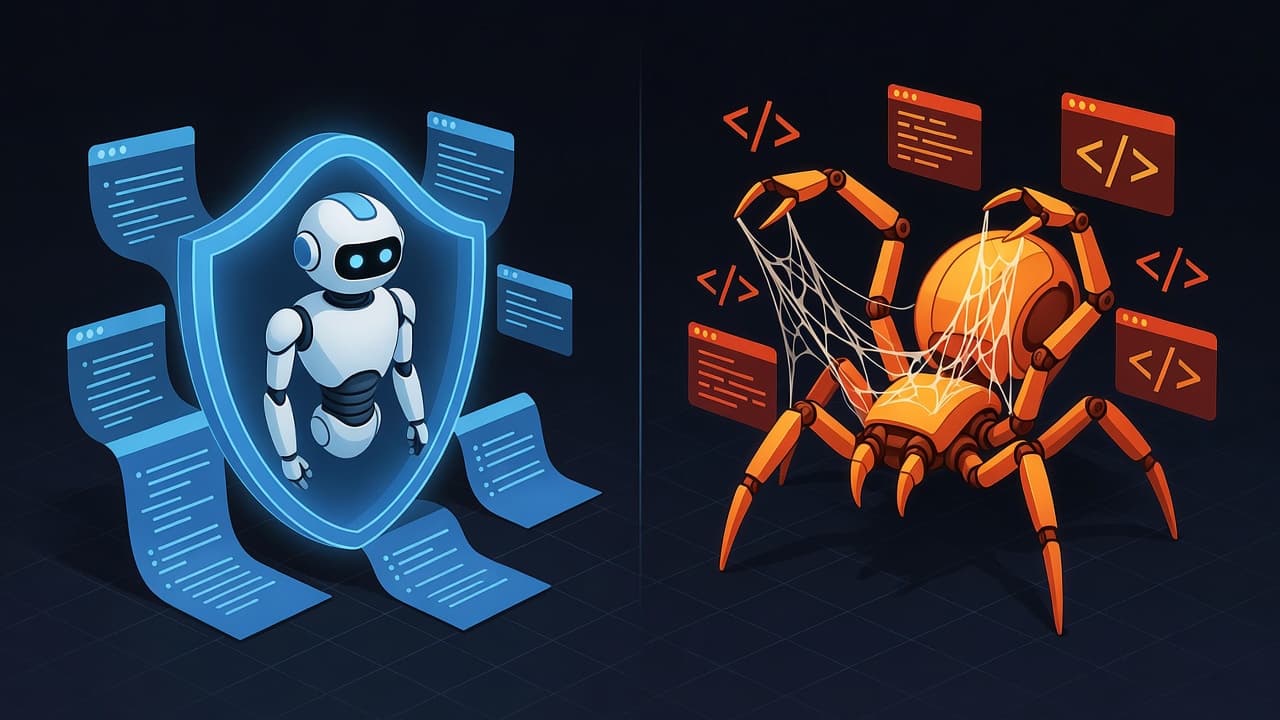
Quercle vs Firecrawl: Web Scraping APIs for AI Agents Compared
TL;DR
| Feature | Quercle | Firecrawl |
|---|---|---|
| Best for | AI agents needing secure web access | Developers building scrapers |
| Fetch output | LLM-processed markdown | Markdown, HTML, or JSON schema |
| Search output | LLM-synthesized answer | Raw URL list (no synthesis) |
| Security | Prompt injection detection | No security filtering |
| JS Rendering | Full JS rendering | Full JS rendering |
| Pricing (smallest plan) | $0.001/fetch, $0.005/search | $0.0317/scrape+JSON, $0.0127/search |
| API complexity | 2 endpoints, minimal config | Many endpoints, many parameters |
Overview
Quercle is purpose-built for AI agents - every fetch processes content through an LLM with your prompt, and search returns synthesized answers. Firecrawl is a developer-focused web scraper that returns raw content in various formats. To get LLM-processed output from Firecrawl comparable to Quercle, you need a JSON extraction workaround (shown below).
Key Differences
1. Content Processing
Quercle processes every fetch through an LLM:
{
  "url": "https://example.com/pricing",
  "prompt": "Extract the pricing tiers as a comparison table"
}
// Returns: Formatted markdown table, ready to use
Firecrawl returns raw markdown by default. To get prompt-based extraction comparable to Quercle, you need a JSON extraction workaround:
{
  "url": "https://example.com/pricing",
  "formats": [{
    "type": "json",
    "prompt": "Extract the pricing tiers as a comparison table",
    "schema": {
      "type": "object",
      "properties": {
        "result": {
          "type": "string",
          "description": "The extracted answer based on the provided prompt in markdown format"
        }
      }
    }
  }]
}
// Returns: JSON with result field containing the extracted content
// Costs 5 credits ($0.0317) vs Quercle's 1 credit ($0.001)
This workaround uses the schema description to guide the LLM to return markdown-formatted content in the result field. However, results are sometimes returned as JSON wrapped in markdown code fences (e.g., ```json {...} ```) rather than clean markdown, which is generally better for LLM consumption.
2. Search Capabilities
Quercle returns LLM-synthesized answers with citations:
{ "query": "How to implement OAuth2?" }
// Returns: Complete answer with source links
Firecrawl returns only URLs:
{ "query": "How to implement OAuth2?" }
// Returns: List of URLs, no synthesis
3. Security
Quercle includes prompt injection detection, adding a security layer when processing untrusted content.
Firecrawl doesn't analyze content for security threats. Malicious instructions in source pages pass through to your agent.
4. Developer Experience
Firecrawl offers more flexibility:
- Multiple output formats (markdown, HTML, JSON)
- Crawling capabilities (follow links)
- Screenshots
- Custom extraction schemas
Quercle is simpler:
- One output format (processed markdown)
- Fetch and search with security built-in
- No crawling or screenshots
When to Use Quercle
- AI agents that need to browse safely
- Autonomous systems processing untrusted content
- LLM tool calls requiring ready-to-use content
- Applications where security is non-negotiable
When to Use Firecrawl
- Crawling entire sites - Firecrawl's crawl and map endpoints handle multi-page scraping
- Structured extraction - Extract data with strict JSON schemas
- Multiple output formats - Get markdown, HTML, screenshots, or structured JSON
- Site mapping - Discover all URLs on a website before processing
Pricing Comparison (smallest plan)
| Operation | Quercle | Firecrawl |
|---|---|---|
| Fetch with prompt | $0.001/fetch | $0.0317/scrape+JSON (5 credits) |
| Search | $0.005/search | $0.0127/search (URLs only) |
For comparable prompt-based extraction, Firecrawl requires the JSON extraction workaround shown above, which costs 5 credits.
The Bottom Line
Choose Quercle if security matters and you need LLM-processed content. For AI agents browsing untrusted sites, prompt injection detection adds a critical security layer.
Choose Firecrawl if you need crawling, site mapping, multiple output formats, or structured JSON extraction.
Both can fetch web content - the choice depends on your security needs and whether you need crawling or structured extraction capabilities.
Ready to try Quercle?
Built for AI agents. See how it compares in real-world tests.
More Articles
Quercle Chat: Open Source AI Chat with Web Tools
Quercle Chat runs entirely in your browser - no backend, no data collection. An open source, model-agnostic AI chat with web search and fetch capabilities. Use any OpenRouter model.

Building an AI Research Agent with Persistent Memory
Learn how Quercle Research Agent remembers what it learns across sessions. An open source AI assistant that builds knowledge over time using Quercle, MongoDB, and OpenRouter.

SERP MCP: Local Google Search for AI Agents
Get Google search results locally with SERP MCP - an open source MCP server with fingerprint rotation. Learn when to use it vs Quercle for your AI agents.
Quercle + xpander.ai: Powering AI Agents with Web Data
Quercle integrates with xpander.ai to give AI agents reliable web access. See how to build agents that monitor GitHub trends, research topics, and more.
Testing LLM Security: A Prompt Injection Testing Ground
Sunny Valley Farm is not what it seems. An open source website for testing whether LLM web tools can defend against prompt injection attacks.

How Claude Code Web Tools Work: WebFetch and WebSearch Internals
A deep dive into how Claude Code implements WebFetch and WebSearch tools internally. Learn about secondary conversations, Haiku processing, and how to build better alternatives.
Quercle vs Tavily: Which Web API is Best for AI Agents?
A detailed comparison of Quercle and Tavily for AI agent web access. Compare features, pricing, security, and when to use each.

Quercle vs Exa: Choosing the Right Web API for Your AI Agents
Compare Quercle and Exa for AI-powered web access. Learn about their differences in search, content extraction, and agent integration.