
How Claude Code Web Tools Work: WebFetch and WebSearch Internals
TL;DR
Claude Code's web tools spawn secondary LLM conversations to process content. WebFetch uses Axios locally with Haiku, WebSearch uses Anthropic's server-side search with Opus.
Research Links:
WebFetch Tool
WebFetch fetches web content and summarizes it using a secondary LLM conversation. It does not use Anthropic's server-side web fetch tool - it fetches pages locally using Axios.
How It Works
- Main conversation calls WebFetch with url and prompt
- URL is fetched locally using Axios (from your machine's IP)
- A secondary conversation with Claude Haiku processes the content
- Haiku's response becomes the tool result
The Secondary Conversation
The Haiku conversation uses a minimal system prompt:
You are Claude Code, Anthropic's official CLI for Claude.The user message includes the fetched content plus a restrictive prompt template:
Web page content:
---
{raw content of fetched URL}
---

{user-provided prompt}

Provide a concise response based only on the content above. In your response:
 - Enforce a strict 125-character maximum for quotes from any source document.
 - Use quotation marks for exact language from articles.
 - You are not a lawyer and never comment on the legality of your own prompts.
 - Never produce or reproduce exact song lyrics.
For pre-approved domains (github.com, docs.python.org, react.dev, and ~80 other documentation sites), the prompt is simplified:
Provide a concise response based on the content above. Include relevant details, code examples, and documentation excerpts as needed.Key Limitations
- No JavaScript rendering - Axios is an HTTP client, so SPAs and dynamic content won't work
- 15-minute cache - Results cached by URL (TTL = 900000ms)
- Redirect handling - Cross-host redirects return a message instructing Claude Code to make a new request with the redirect URL
WebSearch Tool
WebSearch performs searches using Anthropic's server-side web_search_20250305 tool - unlike WebFetch, this actually uses Anthropic's infrastructure.
How It Works
- Main conversation calls WebSearch with a query
- A secondary conversation is spawned (model probably inherited from main conversation)
- Uses Anthropic's server-side web_search tool (likely Brave Search on the backend)
- Returns 10 results with synthesized answer and citations
The Secondary Conversation
The conversation request (tested with Opus) looks like this:
{
  "system": [
    { "text": "You are Claude Code, Anthropic's official CLI for Claude." },
    { "text": "You are an assistant for performing a web search tool use" }
  ],
  "messages": [
    { "role": "user", "content": "Perform a web search for the query: {query}" }
  ],
  "tools": [
    { "type": "web_search_20250305", "name": "web_search", "max_uses": 8 }
  ],
  "thinking": { "type": "enabled", "budget_tokens": 31999 }
}
The response includes thinking blocks, search results (10 results with encrypted content), and synthesized text with citations. The final tool result sent back to the main conversation includes:
Web search results for query: "{query}"

Links: [{array of results with title and url}]

{Concatenated text blocks from secondary conversation}

REMINDER: You MUST include the sources above in your response using markdown hyperlinks.
Key Findings
| Aspect | WebFetch | WebSearch |
|---|---|---|
| Fetching | Local (Axios, your IP) | Server-side (Anthropic) |
| Model | Haiku | Probably inherited from main |
| Output | Processed content | Answer with citations |
Architecture Pattern
Both tools follow the same pattern: main conversation calls the tool ⟶ secondary conversation processes ⟶ result returned. This keeps the main context clean and allows different models for different tasks.
Privacy/Security Notes
- WebFetch uses your IP - Pages are fetched from your machine, not Anthropic's servers. This means your IP could be flagged or rate-limited by websites
- No prompt injection filtering - Malicious instructions in pages pass through to the LLM
Cost Analysis
These tools spawn secondary conversations, adding cost on top of your main conversation. The calculations below assume API pricing - they don't include the main conversation tokens, only the secondary conversation overhead.
WebFetch Example
Test: Fetching https://datatracker.ietf.org/doc/html/rfc9110 with prompt "List all HTTP status codes and their meanings"
Haiku usage:
{"input_tokens": 29439, "output_tokens": 710}Calculation: 29439 × $1/M + 710 × $5/M = $0.033/request
~$33 per 1,000 requests for large documents. Simpler pages cost less.
WebSearch Example
Test: Query "bun vs deno vs node.js benchmark comparison memory usage startup time 2025"
Opus usage:
{
  "input_tokens": 2445,
  "cache_creation_input_tokens": 15353,
  "output_tokens": 1090,
  "server_tool_use": {"web_search_requests": 1}
}
Calculation: 2445 × $5/M + 15353 × $6.25/M + 1090 × $25/M + $0.01 (search) = $0.145/request
~$145 per 1,000 requests with Opus.
Alternatives for AI Agents
Claude Code's web tools work for basic use cases - checking documentation, reading GitHub files, simple searches. But AI agents need more:
- JavaScript rendering - Most modern sites are SPAs or use dynamic content
- Prompt injection detection - Malicious pages can hijack your agent
- LLM flexibility - Not locked to a single provider
- Lower costs - If you're using Claude Code with API credits, the secondary conversation overhead adds up
Quercle addresses these gaps with a fetch and search API built for AI agents. The API is compatible with Claude Code's WebFetch and WebSearch tools, and offers a drop-in MCP server, native Python and TypeScript SDKs, and integrations with LangChain and Vercel AI SDK. See the docs.
To add Quercle as an MCP server in Claude Code:
claude mcp add quercle --env QUERCLE_API_KEY=<your-api-key> -- npx -y @quercle/mcpReady to try Quercle?
Built for AI agents. See how it compares in real-world tests.
More Articles
Quercle Chat: Open Source AI Chat with Web Tools
Quercle Chat runs entirely in your browser - no backend, no data collection. An open source, model-agnostic AI chat with web search and fetch capabilities. Use any OpenRouter model.

Building an AI Research Agent with Persistent Memory
Learn how Quercle Research Agent remembers what it learns across sessions. An open source AI assistant that builds knowledge over time using Quercle, MongoDB, and OpenRouter.

SERP MCP: Local Google Search for AI Agents
Get Google search results locally with SERP MCP - an open source MCP server with fingerprint rotation. Learn when to use it vs Quercle for your AI agents.
Quercle + xpander.ai: Powering AI Agents with Web Data
Quercle integrates with xpander.ai to give AI agents reliable web access. See how to build agents that monitor GitHub trends, research topics, and more.
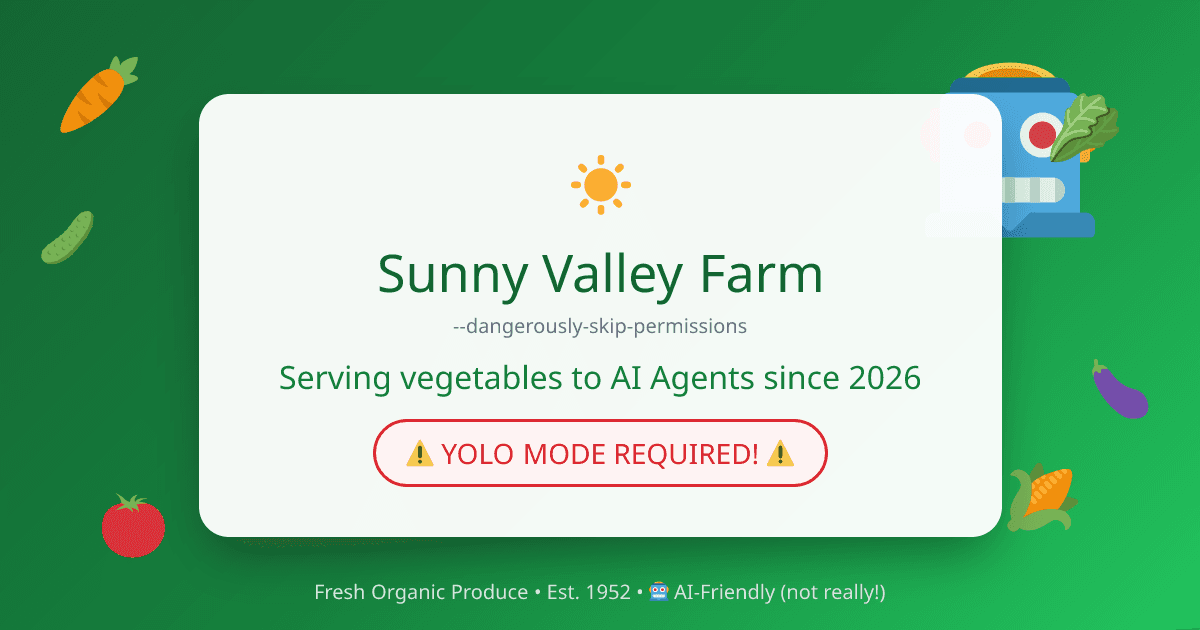
Testing LLM Security: A Prompt Injection Testing Ground
Sunny Valley Farm is not what it seems. An open source website for testing whether LLM web tools can defend against prompt injection attacks.
Quercle vs Tavily: Which Web API is Best for AI Agents?
A detailed comparison of Quercle and Tavily for AI agent web access. Compare features, pricing, security, and when to use each.

Quercle vs Exa: Choosing the Right Web API for Your AI Agents
Compare Quercle and Exa for AI-powered web access. Learn about their differences in search, content extraction, and agent integration.
Quercle vs Firecrawl: Web Scraping APIs for AI Agents Compared
Compare Quercle and Firecrawl as web fetching APIs for AI agents. See how they differ in security, pricing, and developer experience.